FORGOT YOUR DETAILS?

CREATE ACCOUNT

Sale! -14%

FLEX Tuning Tool for ECU & TCU

Original price was: $2,320.00.Current price is: $1,996.00. inc. GST
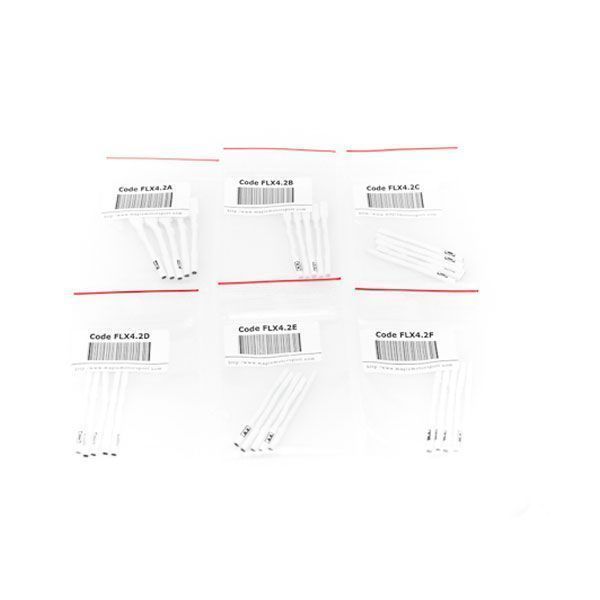
This is the hardware kit for your tuning tool. Next, select the Software Activation package.

  • ECU & TCU programming
  • Supports over 25,000 vehicle models
  • When it is supported, the support is genuine, unlike some other yellow brands that only provide superficial protocols.
  • User-friendly software
  • 300 green coins/month, with an active subscription, to use for file services.
  • Lifetime warranty
  • Dedicated technical support

FLEX Software Activations:

Total Price:
SKU: FLK02 Categories: ,

Description

FLEX: The Comprehensive ECU & TCU Programming Solution

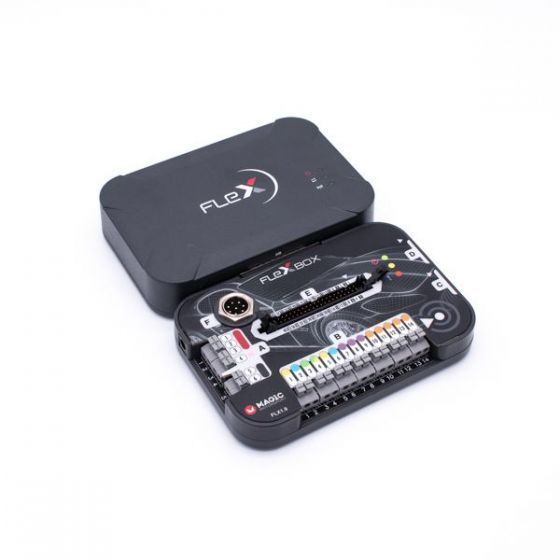
Flex is a comprehensive hardware-software interface designed for advanced remapping, updating, and repairing of electronic control units (ECUs) and transmission control units (TCUs).
By simply connecting it to a Windows-based PC with a stable internet connection, technicians can seamlessly interface with a wide range of vehicles—including cars, bikes, and trucks—across Australia.
Flex supports numerous microcontroller families (e.g., Bosch, Delphi, Denso, Marelli) and integrates secure protocols to streamline calibration processes.

With Flex, you have everything you need to venture into the world of chip tuning and expand your business by offering a wide range of services in your mechatronics workshop.
Whether you need to modify torque limiters, adjust injection timings, or update engine firmware, Flex delivers precise and reliable solutions backed by consistent software updates.

The programmer supports all available connection modes for modern and legacy ECUs.
For standard operations, simply connect via the OBD port using the CAN, K-line, or ENet protocols.
More intricate tasks, such as in-depth calibrations or unlocking secured processor regions, can be done through advanced BDM, Bootloader (Tricore), Bench, or JTAG modes.
These options ensure comprehensive coverage for virtually all programmable modules in the automotive, motorcycle, and commercial vehicle sectors.

CONTINUOUSLY EVOLVING

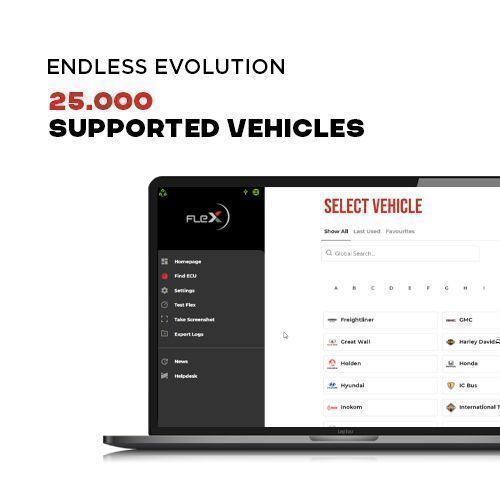
With support for over 25,000 vehicle models, Flex is an ideal solution for any Australian workshop looking to stay ahead of industry demands.
Its development team consistently adds new protocols and communication methods to handle emerging technologies in engine control and transmission systems.

Flex’s robust research and engineering team ensures the tool is always up-to-date, supporting newly released vehicle models and ECU architectures.
Whether you’re dealing with the latest Bosch MD1/MG1, Continental SIMOS, or Denso platforms, Flex regularly introduces firmware and software updates to provide stable coverage.

Using Flex is straightforward: select the vehicle make and model or input the ECU code, and the interface will display all applicable connection modes.
From there, choose your preferred method—OBD, Bench, Boot, or JTAG—and Flex will guide you through the read/write operations, data logging, and any necessary adjustments in real-time.

Supported Vehicles by Flex

Flex Software Interface

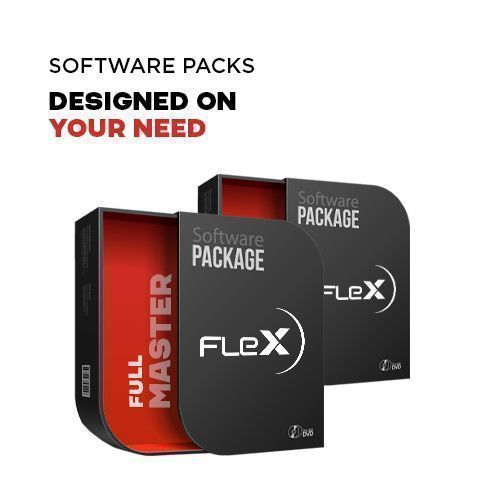
TAILORED SOFTWARE PACKAGES

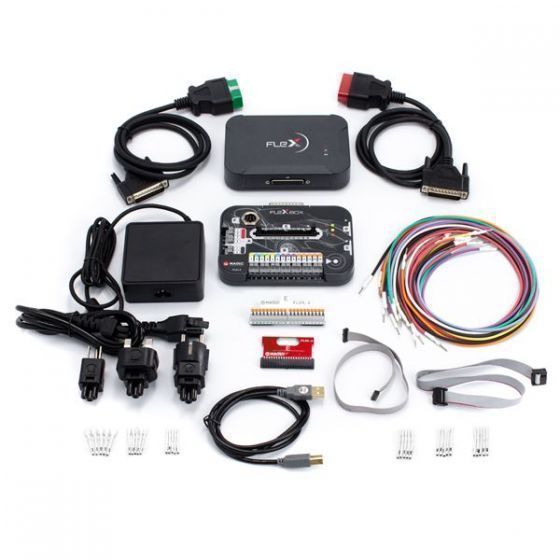
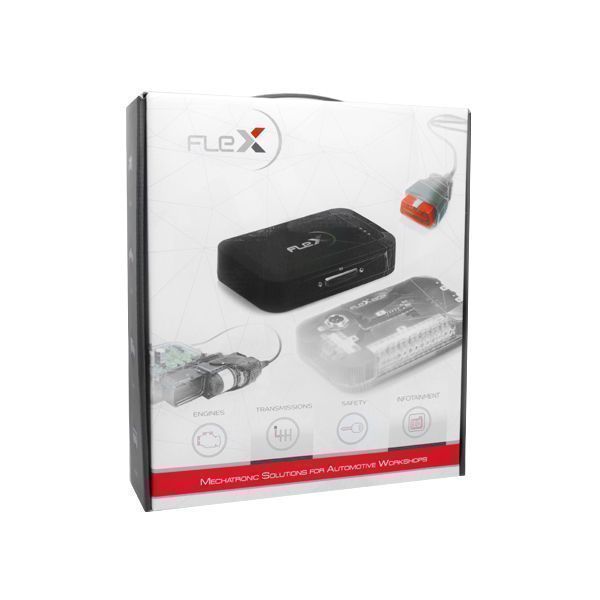
The hardware kit includes the Flex main unit, the FlexBox add-on module, and essential connection cables for various operational modes.
Depending on your focus, you can select an ECU, TCU, or Full software package to unlock the full range of Flex’s capabilities.

In Master Mode, Flex allows direct access to read/write operations in standard .bin or other open file formats, providing deeper control for custom tuning.
This mode also unlocks StageX Basic, an entry-level remapping and editing environment ideal for refining ECU calibration.
Advanced users can further integrate third-party tuning suites to expand functionalities.

When you purchase Flex with a compatible software package, you receive a one-year subscription to software updates.
These updates continuously add new protocols and solutions for both ECUs and TCUs. After one year, renewing your subscription is optional; Flex will remain functional with the already downloaded updates, ensuring long-term viability without mandatory recurring fees.

MAGIC LOCK

Protect your work with Magic Lock, a groundbreaking feature exclusive to Flex.
It provides an additional layer of security by restricting unauthorized access to the calibration files stored in ECUs.
When activated, only authorized personnel—those with access to Flex—can perform backups and modifications.

This ensures your customized solutions remain proprietary and secure, preventing third parties from copying or extracting your tuning data.
Magic Lock is highly beneficial for workshop owners who collaborate with multiple technicians, offering robust file protection while maintaining seamless operational workflows.

Flex Magic Lock Feature

Flex Data Logger

DATA LOGGER

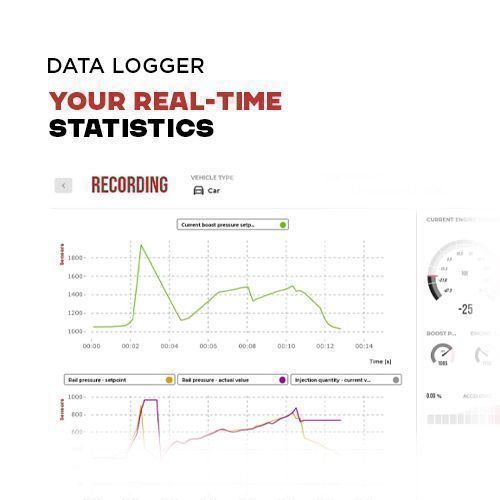
Flex integrates an advanced Data Logger feature, allowing the collection of up to 60,000 parameters in real-time from the ECU.
This functionality helps technicians precisely monitor engine performance and vehicle status, logging critical data such as boost pressure, torque output, fuel trim, exhaust gas temperature, air intake metrics, and RPM.

The user-friendly interface enables quick selection of parameters, facilitating accurate diagnosis, calibration validation, or troubleshooting.
By having a real-time overview of various performance variables, you can refine custom remaps and detect any anomalies during road tests or dyno sessions.

UNPARALLELED CUSTOMER SUPPORT

Flex is backed by a seasoned multi-language and multi-channel customer support team offering assistance in
English, Italian, Spanish, German, French, Albanian, and Chinese.
Whether you have a technical query or need help with software updates, our specialists are available via phone, chat, social media, or our Helpdesk system.

Support hours extend from 8 a.m. to 10 p.m., Monday through Friday, and 9 a.m. to 1 p.m. on Saturdays, catering to busy workshop schedules.
We also include a limited lifetime product warranty that covers repair or replacement of your device in the event of any hardware-related issues—ensuring minimal downtime and preserving your business continuity.

Flex Customer Care

How It Works

Technician Feedback:

★★★★★ “In general, I like this tool very much; it is 97% reliable and works very smoothly. Also, a lot of information (statistics, estimated time, etc.) is included.” – MHH Auto Forum

★★★★☆ “Flex is a great tool, at least as far as new cars are concerned.” – MHH Auto Forum

★★★★☆ “Flex, if you are doing more diesel DPF EGR cancellation; Autotuner, if you are doing more tuning. The logging system also works very well.” – MHH Auto Forum

★★★★★ “I have both KESS3 and Magic; both are good tools.” – Remap 101

★★★★☆ “Really easy to use; met the guys at SEMA show.” – Remap 101

★★★★★ “Good for gearbox tuning – very happy!” – Remap 101

★★★★★ “Love this tool.” – Remap 101

★★★★☆ “I see a lot more killed ECUs or tools from cables touching cases or each other from pre-made looms (such as AT or KTAG) than from tools like FLEX.” – Facebook Group Discussion

★★★★★ “Flex is an innovative tool for mechatronic workshops that fully supports the latest developments in the automotive tuning and repair market.” – Tuningtools.com

★★★★☆ “The flexibility of the configuration makes it an impressive and very well-priced tuning tool to have in the arsenal.” – Remap 101

Compatibility List

Check whether your vehicle and ECU are supported on Magic Motorsport’s official, always up to date Flex vehicle list.

View the Flex compatibility list

FAQ: We’re Here to Help

+
I am about to buy my Flex. How do I choose my software package?
When purchasing your Flex tool, notice that the hardware part is the same for both Master and Slave licenses. The main difference lies in the software license: choose the one that best suits your workload, then activate the device that Zuce Tech will activate. For more information on the best package, consult Flex’s vehicle list above or provided in detail in every software product page.

+
How do I get started working with Flex?
After purchasing, create a new account on the Helpdesk platform and email your account email address to [email protected] with your order number. Go to Product Activation, click on Activate New Product, enter the Serial Number of Flex, and activate it. If you have a Master license, you’re ready to go. If you have a Slave license, enter information regarding your Master (email address or S/N of their Flex tool) and you’re set. Remember to activate your software license after receiving your hardware tool. Flex is intuitive and user-friendly: select the vehicle you want to work on, choose the protocol, and carry out your work with the connection mode that best suits your needs.

+
What is the difference between a Master and a Slave software version?
MASTER
The Flex Master software license offers many advantages. It is designed for users to create their own professional network: activate your file decryptor software module and add up to 99 slave users linked to your account. The Master version has no limitations on file formats: users can work with plaintext files and .bin formats editable with any software. Additionally, Master users can utilize file modification services offered by Magicmotorsport, access 300 free Green coins per month, and benefit from full technical support.
SLAVE
The Flex Slave software license works only with encrypted files, preventing Slave users from accessing or editing content. Any modifications must be forwarded to their Master, who can encrypt and decrypt files. The Slave tool must be linked to a Master account, chosen by the Slave user or recommended by Zuce Tech based on geographical location. Slave users receive basic Magicmotorsport Tech Support, with all support requests handled by their Master. Slave users cannot be released until their Master grants explicit permission via email to Zuce Tech.

+
What are the product warranty terms?
A lifetime limited warranty covers flex tools with an active subscription. This warranty ensures that in the case of damage confirmed by Tech Support after a Repair Request Ticket for either the Flex (FLX1.1) or Flexbox (FLX1.9) module, the user may request a new interface without additional fees, aside from shipping costs. For more information, visit our Warranty Terms.

+
I am not satisfied with my purchase, can I return my Flex?
Zuce Tech offers a thirty (30) day money-back guarantee on all its products. You can read more about our guarantee here.

Package Content

SKU Code Description Quantity
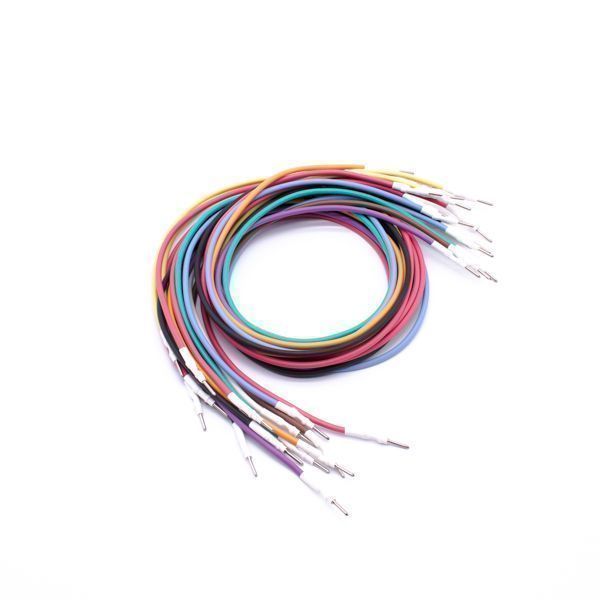
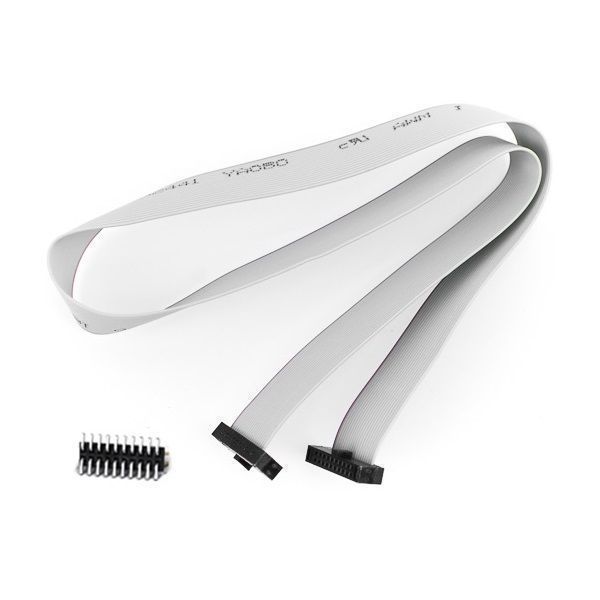
FLK35 Cabling Kit: FLX3.5 Colour-Coded Wiring Harness 1
FLK42 Adapter Kit: 6-Piece Set of Pin Adapters for FLX35 1
FLX1.1 FLEX Base Module 1
FLX1.9 FlexBox Module for FLEX 1
FLX2.10 Connection Cable OBD: FLEX to CAN/K-Line RED 1
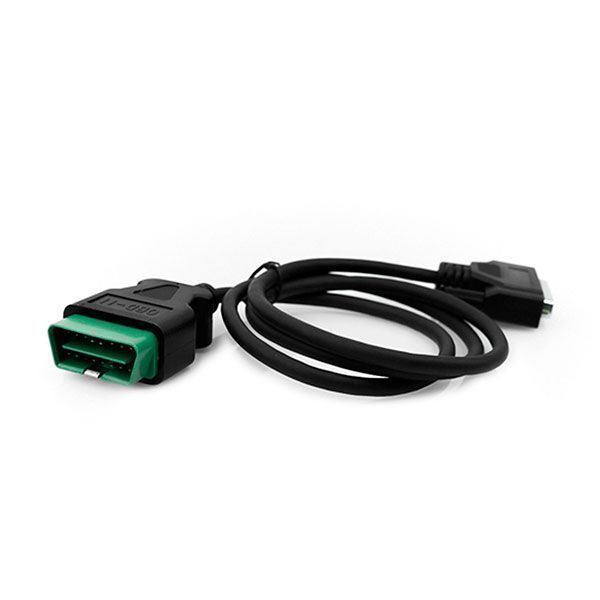
FLX2.11 Connection Cable OBD: FLEX to ENet GREEN 1
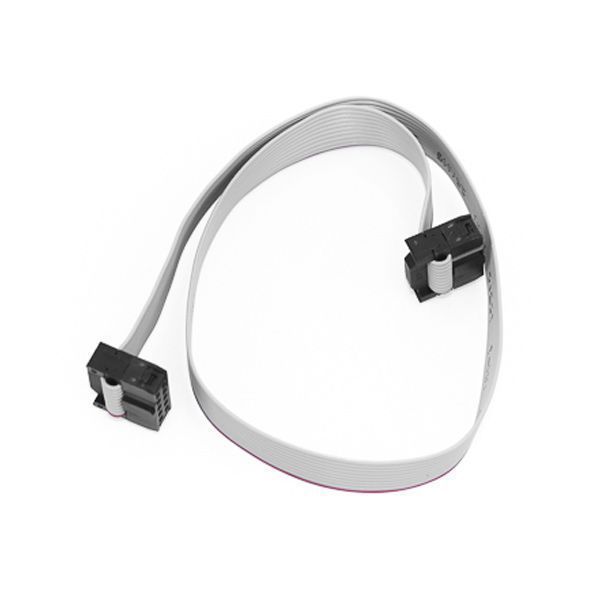
FLX3.3 Connection Cable: FlexBox Port C to NEC 7F00 XX 1
FLX3.4 Connection Cable: FlexBox Port D to BDM MPC5xx 1
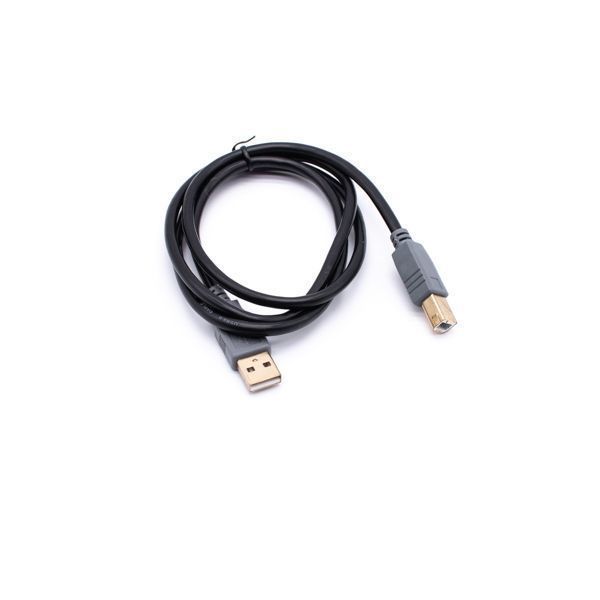
FLX3.9 Connection Cable: USB 2.0 AM-BM BLK 1.8m 1
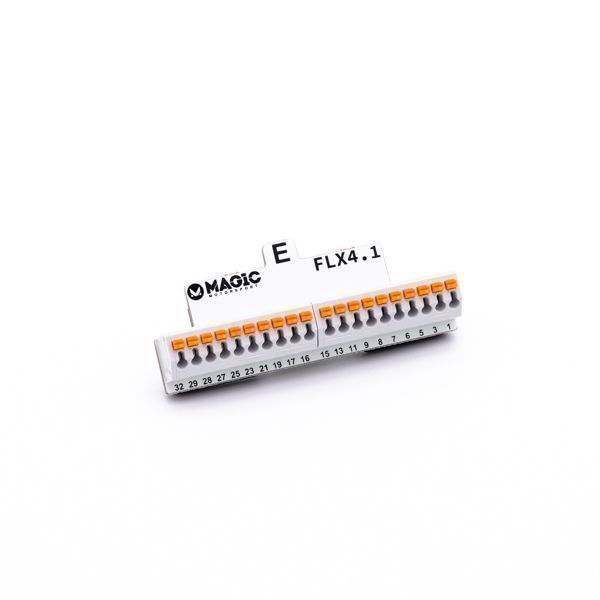
FLX4.1 FlexBox Port E 40-Pin Adapter for FLK35 1
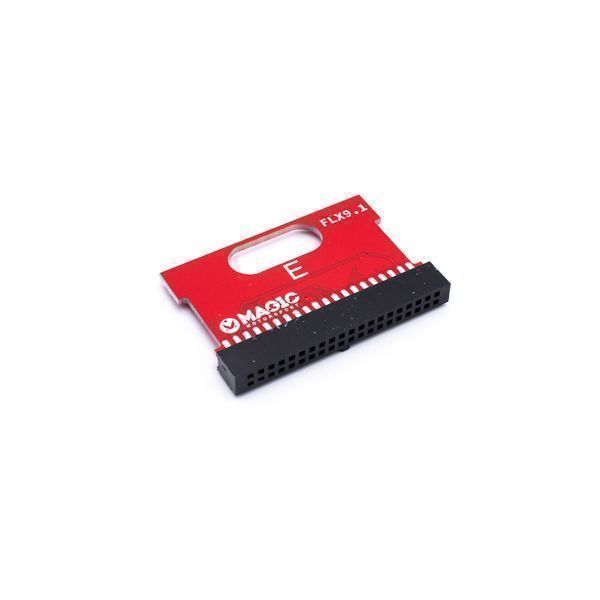
FLX9.1 FLEX & FlexBox Diagnostic Adapter 1
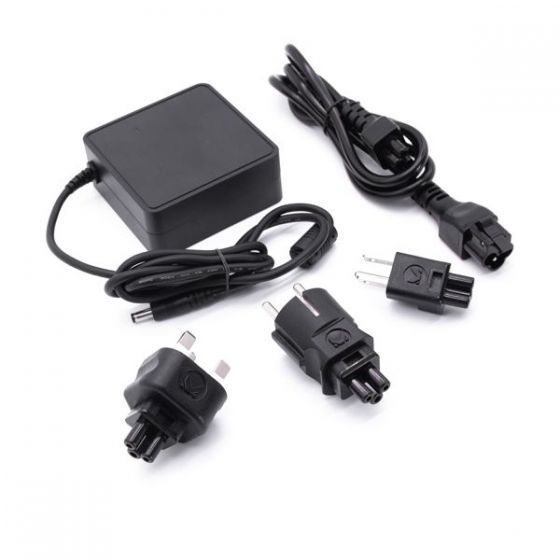
FLK49 Switch Mode Power Supply for FLEX with Plugs 1
FLX8.10 FLEX Branded Box 1

Additional information

Weight 2.47 kg
Dimensions 50 × 30 × 15 cm
TOP

CHOOSE SOFTWARE

Software Packages Price More Info
$4,779.00 inc. GST More Info
$9,757.00 inc. GST More Info
$995.00 inc. GST More Info
$3,584.00 inc. GST More Info
$706.00 inc. GST More Info
$1,008.00 inc. GST More Info
$3,385.00 inc. GST More Info
$1,008.00 inc. GST More Info
$1,299.00 inc. GST More Info
$589.00 inc. GST More Info
$3,424.00 inc. GST More Info
$1,008.00 inc. GST More Info
$807.00 inc. GST More Info
Software Packages Price More
$3,286.00 inc. GST More Info
$1,793.00 inc. GST More Info
$1,195.00 inc. GST More Info
$995.00 inc. GST More Info
$404.00 inc. GST More Info
$1,594.00 inc. GST More Info
$606.00 inc. GST More Info
$589.00 inc. GST More Info
$303.00 inc. GST More Info
$1,522.00 inc. GST More Info
$394.00 inc. GST More Info